Notifications with manners
Quiet overnight and silent during class. A deadline under two hours away or a Canvas check-in still gets through.
Problem Set 6 due in 1h 40mCOMPSCI 50 · delivered now

New announcement in EXPOS 20Held until class ends · 10:15 AM
Catches conflicting deadlines
When a syllabus and Canvas disagree, WIRMMO notices and keeps you on the earlier time.
Canvas11:59 PM
Syllabus5:00 PM
WIRMMO reminds you at5:00 PM
Canvas, every 5 minutes
Canvas is checked every 5 minutes; new assignments are picked up on the next check.
0
minutes between Canvas checks, around the clock
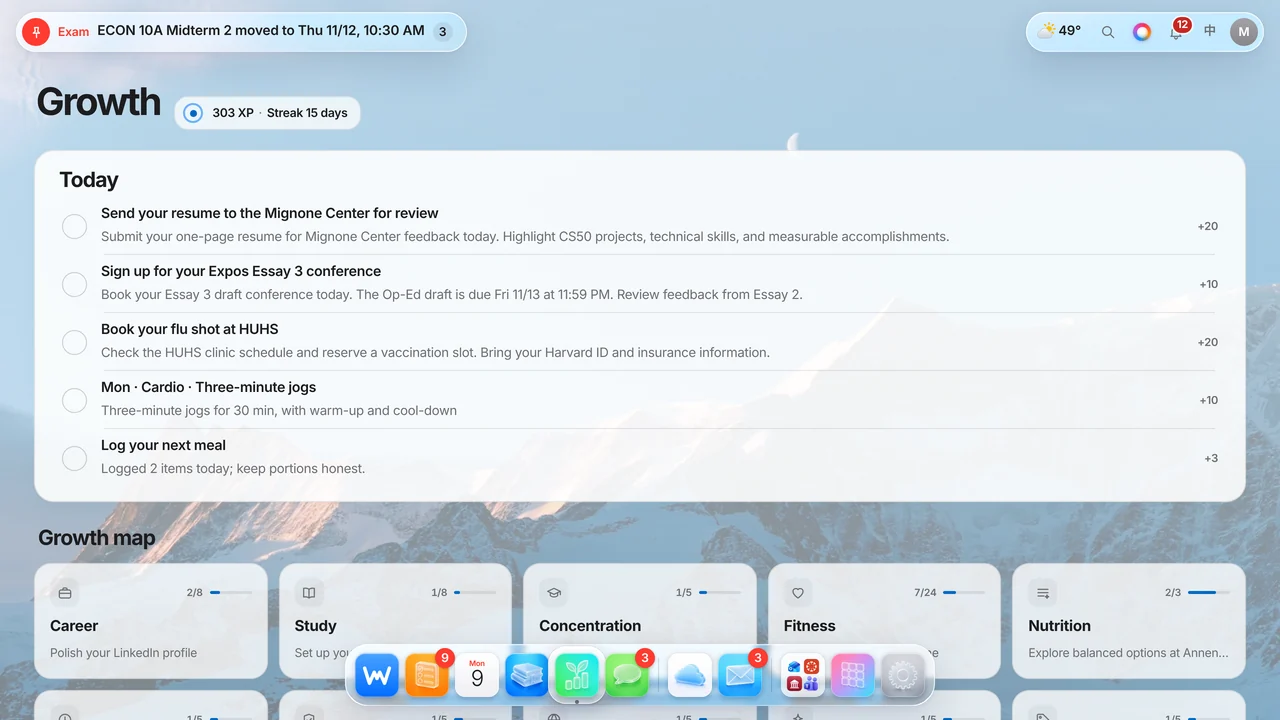
Growth, gamified
Daily goals for study, career and fitness with XP and streaks.
Bilingual by design
Every screen in English and 中文. Switch in one tap.
English中文
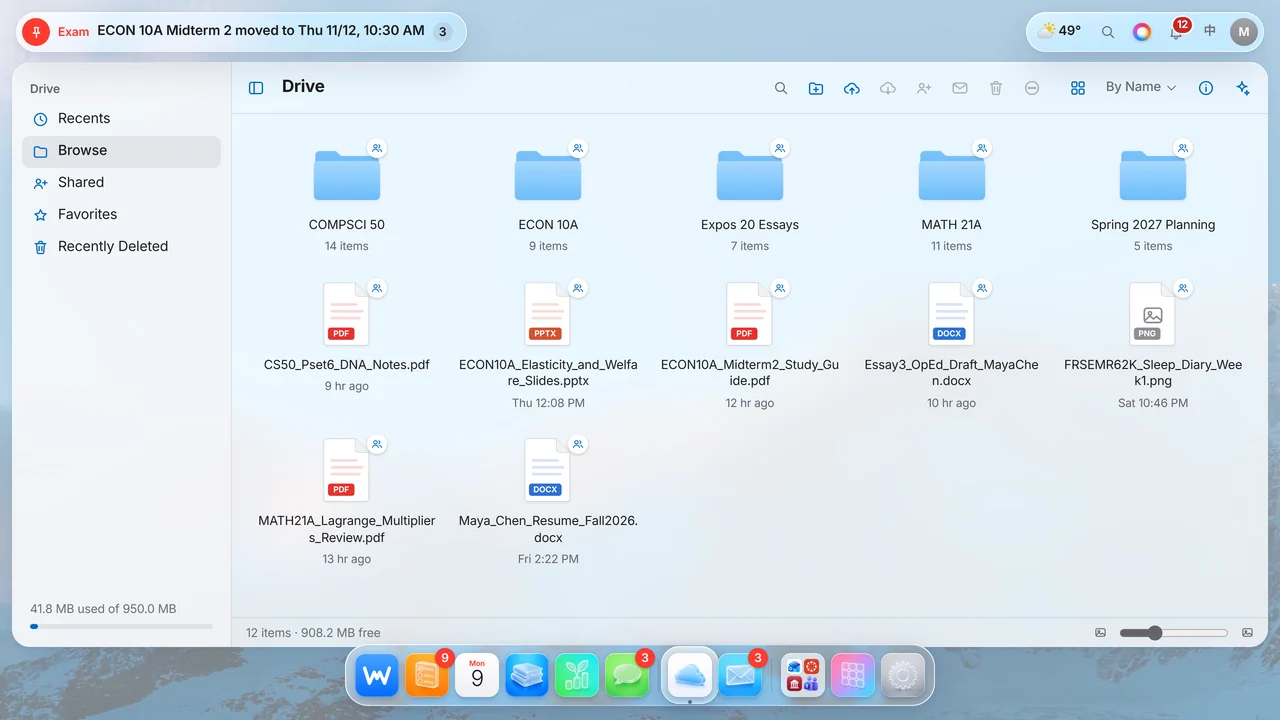
Your files, sorted by course
A built-in Drive with folders for every class, sharing and an AI that can read what's inside.
Install it on iPhone
Add WIRMMO to your Home Screen and it opens like a native app, with push alerts.
AI that grows out of the Dynamic Island
On iPhone, tap the island and the assistant opens right there, with a soft glow that shows when it is listening or thinking.

What is due before my ECON midterm?Practice quiz today, review tonight at 7 PM · cited
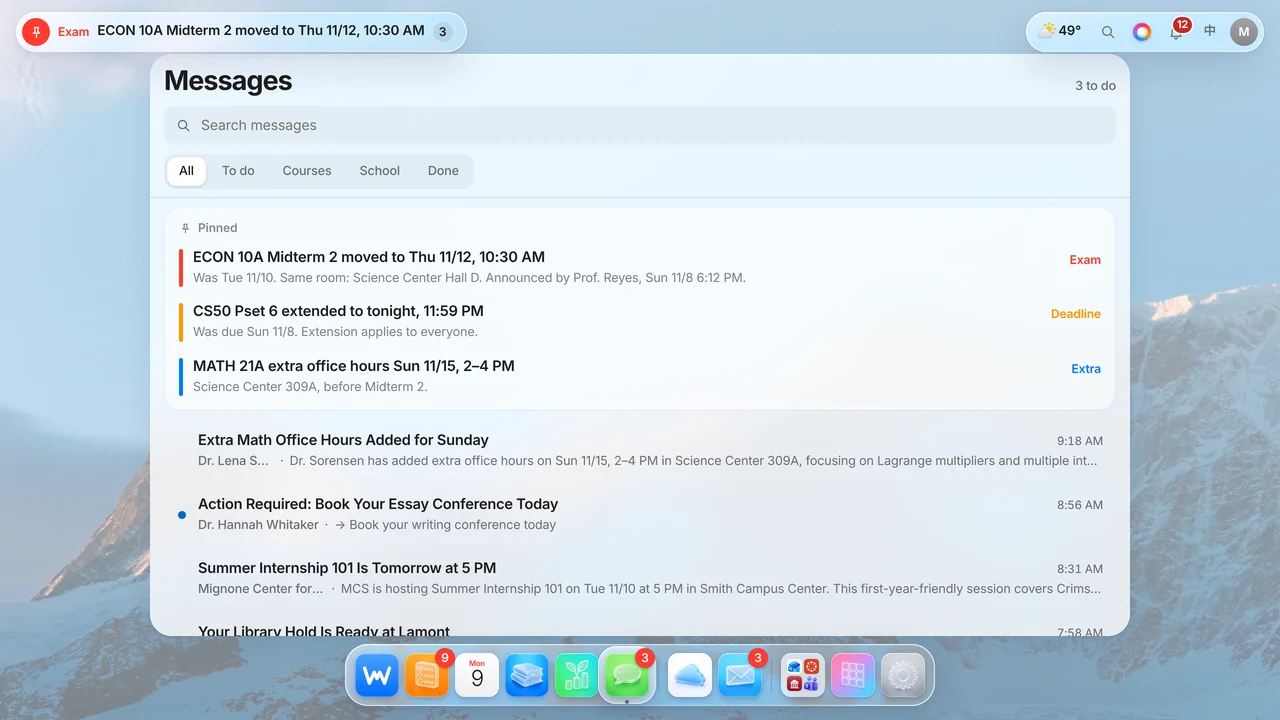
Pinned the moment a professor changes something
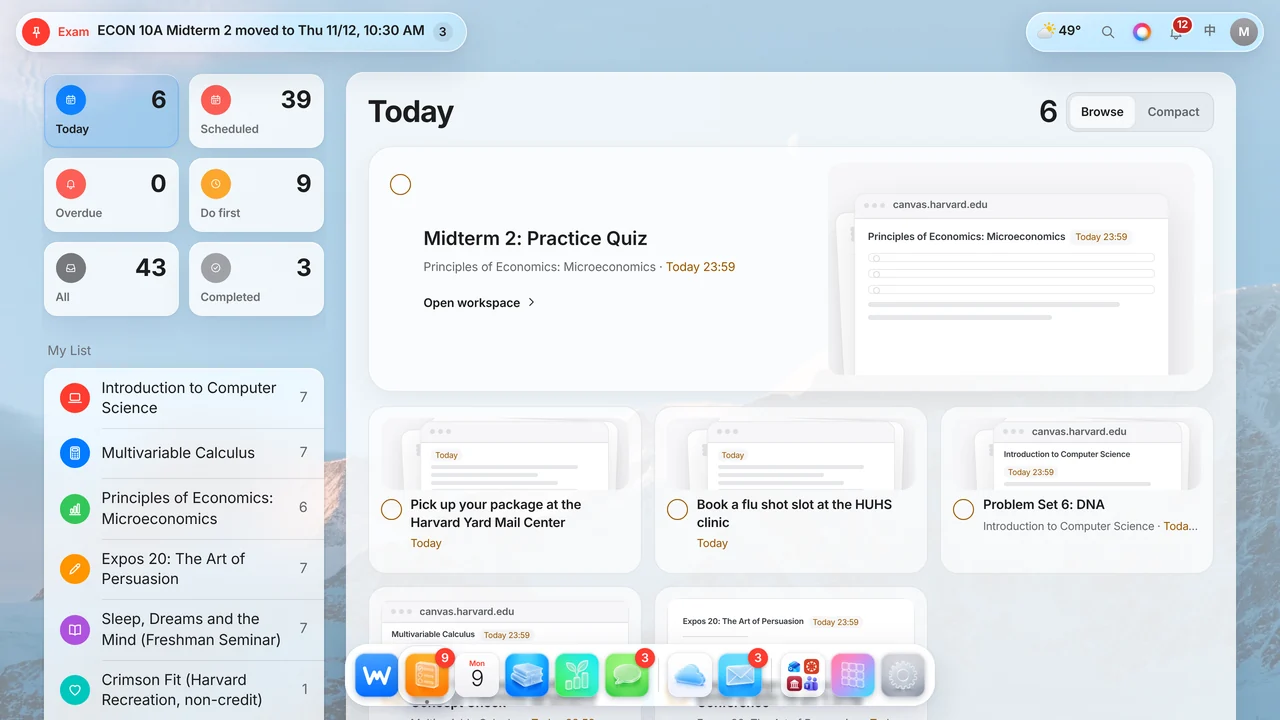
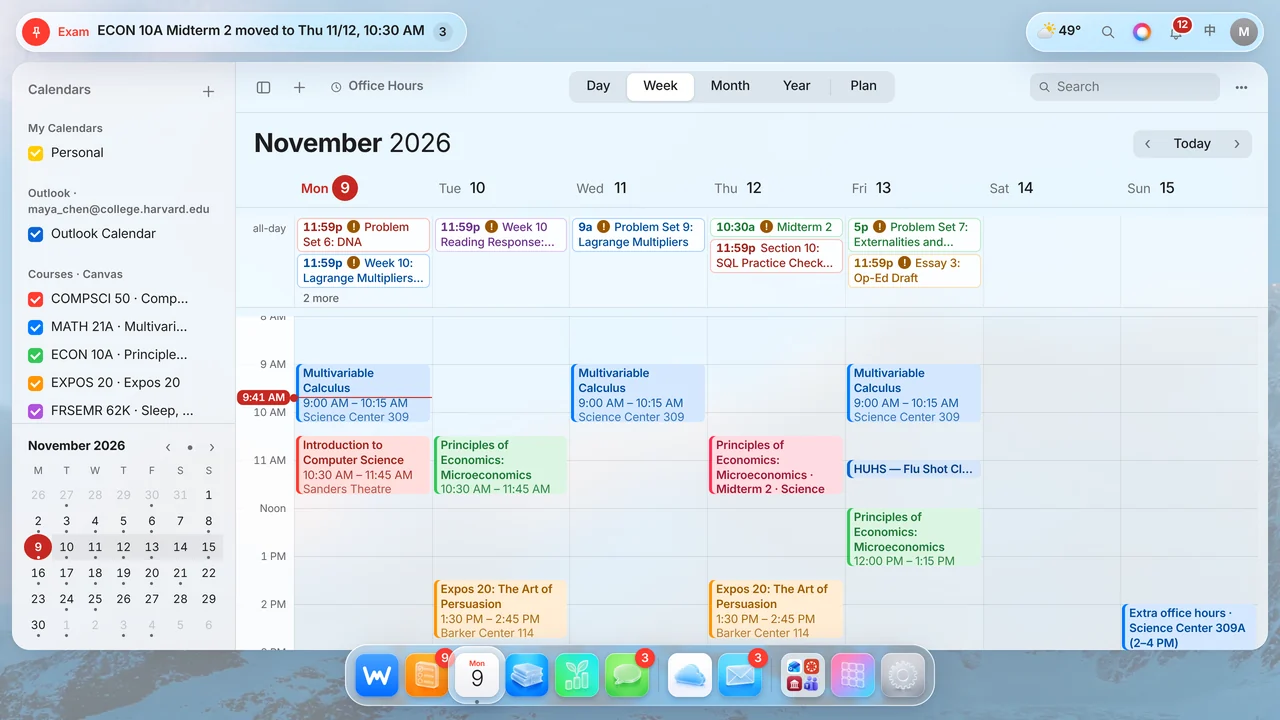
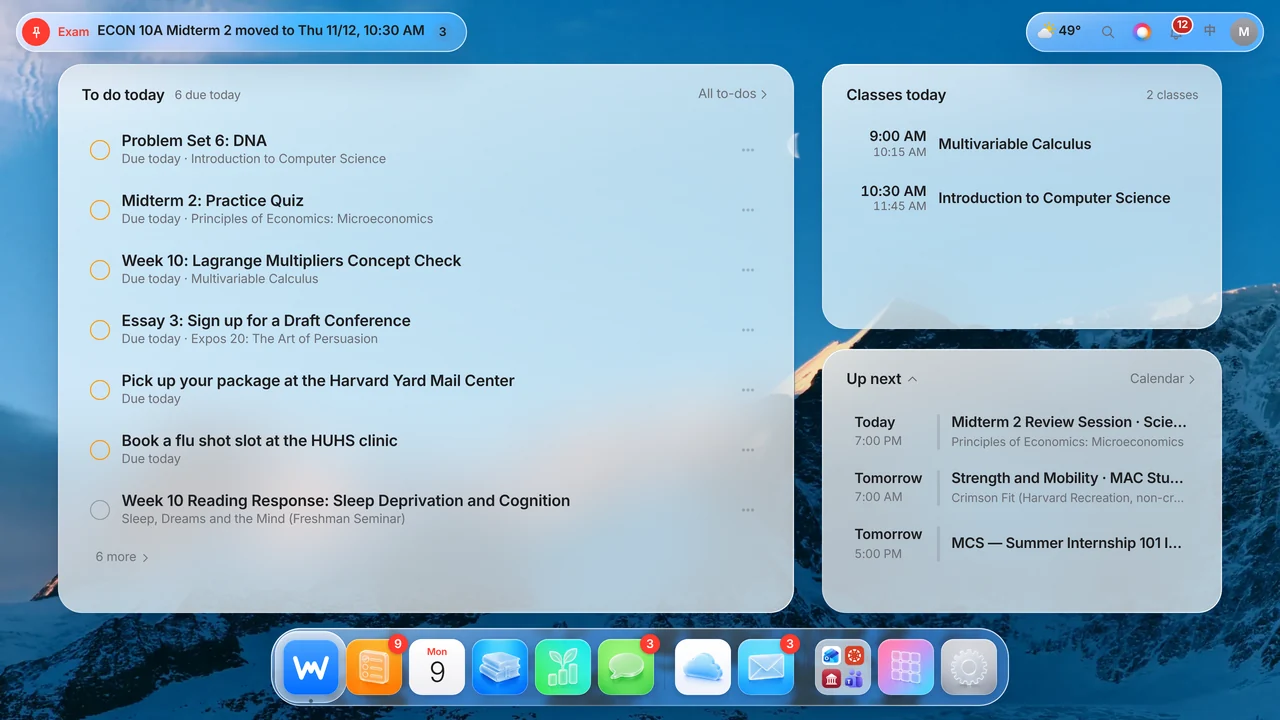
Exam moved, extra credit announced, class cancelled: one pill at the top of the screen, with the new time first and a link to the source.
Midterm 2Tue 11/10
NowThu 11/12 · 10:30 AM
Starter kits
Open an assignment and the AI has already split it into a checklist. You tick, it helps.
3 steps
to get started, prepared before you open it
Works inside ChatGPT
Connect once, then ask @WIRMMO in ChatGPT about your deadlines, mail and files, and add to-dos from there.
Mail with clear next steps
See a one-line AI brief for each email, plus a Replies panel with editable drafts and a link back to Outlook.
Reply · Dr. WhitakerNeeds your answer
Read · ECON 10A exam movedNo action

 Canvas
 Outlook
 Teams
 Pearson MyLab
 Handshake
 Campus portal
 School email
 Syllabi & course files
 Apple Health & iPhone Calendar